How to Edit a PDF for Free — Text, Pages, and Signatures
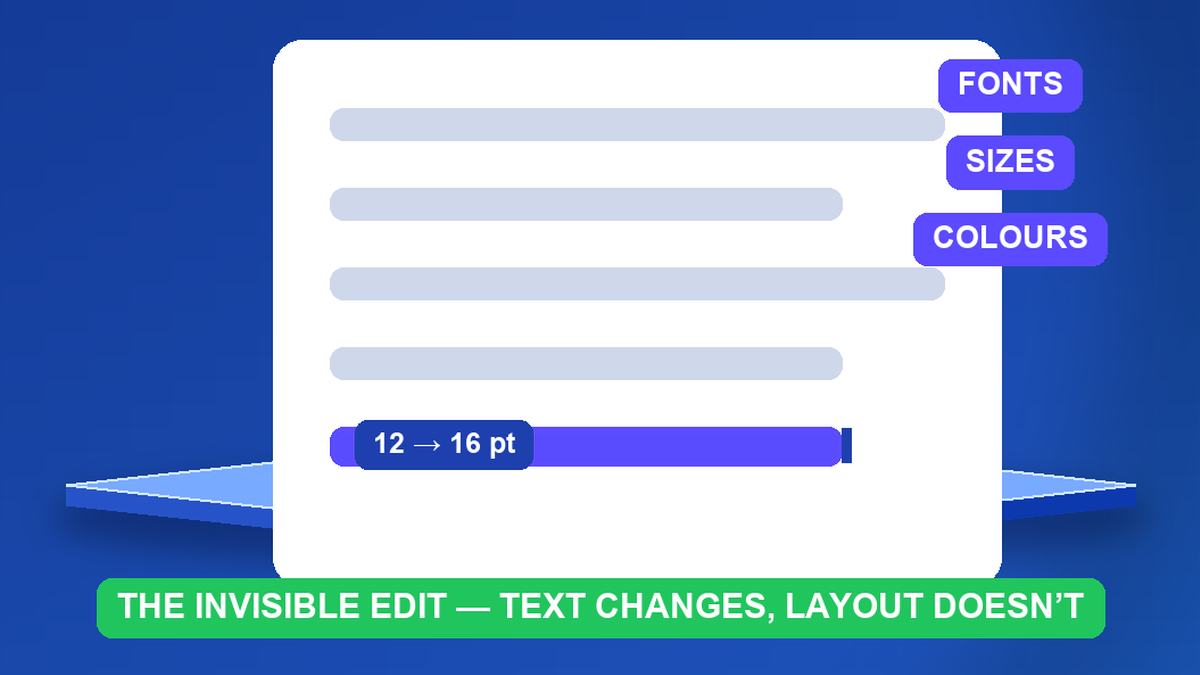
A PDF that needs "just one small change" should not require a subscription. Everything below is free, runs in your browser, and needs no account — and the file stays on your device the whole time.
Editing text on a page
- Open Edit PDF and choose the file.
- Click any line of text on the page: it becomes an editable text box you can retype, restyle (font, size, colour) or delete entirely.
- Add new text with the text tool, drag boxes where you want them, and click Save. The edited PDF keeps the original page exactly as it was everywhere you did not touch.
The honest limit: this edits the text layer of a digital PDF. A scanned page is a photograph of text — the editor can cover, replace or annotate it, but there are no characters underneath to reflow. For scans, clean them up with OCR PDF first and editing becomes real.
Deleting, reordering and rotating pages
Open Organize PDF for page-level surgery: drag thumbnails to reorder, ✕ to delete, rotate buttons to fix orientation, then save. Remove Pages and Extract Pages cover the two focused versions of the same job — taking pages out, or pulling a range into its own file.
Filling forms and signing
Open Fill & Sign PDF: click a form field or anywhere on the page, type or draw your signature, place it, save. The filled and signed PDF saves with the annotation baked in, so it reads the same in every viewer.
Which editor should you use for what?
| Task | Tool |
|---|---|
| Fix a typo, change a date, update a name | Edit PDF |
| Delete, reorder, rotate pages | Organize PDF |
| Pull specific pages out | Extract Pages |
| Fill a form, add a signature | Fill & Sign PDF |
| Black out confidential text | Redact PDF |
| Scanned document | OCR PDF first |
How in-place PDF text editing handles fonts, line length, and coordinate locking
Editing a PDF feels superficially like editing a Word document, but underneath the cursor two completely different engines are at work. In a word processor, text flows continuously from margin to margin: insert five extra words in paragraph one and every line down to page four shifts automatically. In a PDF, there is no document-wide text flow — each line is positioned at exact (x, y) coordinates on a fixed page canvas.
Two technical realities follow directly from that design when you open a file in Edit PDF:
- Embedded font subsets and character coverage. To keep files compact, PDF creators rarely embed all 600+ glyphs of a typeface; they embed a subset containing only the letters that appeared when the PDF was exported. If a heading originally read
"INVOICE 2025"and you change it to"INVOICE 2026", the glyph6may not exist inside that embedded subset. Edit PDF checks glyph coverage in the document's original embedded font first so matching characters keep their exact typeface, and falls back cleanly to a metric-matched sans, serif, or monospace font whenever you type characters absent from the subset. - Single-line tweaks vs multi-paragraph rewrites. Fixing a misspelled name, updating a reference number, or swapping a date fits inside the existing coordinate box cleanly. Replacing a two-line clause with a ten-line paragraph will collide with the lines beneath it; for structural rewrites where paragraphs must reflow across pages, convert via PDF to Word, edit in Word, and export back via Word to PDF.
- Whiteout vs true redaction. Covering a mistake with a white box and typing new text on top is fine for fixing your own draft typo, never for hiding confidential data. Hidden text underneath a white or black box remains selectable in the PDF stream; always use Redact PDF to permanently rasterise and destroy sensitive account numbers or names.
Pre-send quality checks and troubleshooting common PDF edits
Before sending an edited agreement, certificate, or form to a client, run through four quick finishing checks: lock added annotations and form text into permanent page instructions with Flatten PDF, inspect hidden /Author and /Title strings in Edit PDF Metadata, stamp clean running headers or pagination via Add Header/Footer or Add Page Numbers if pages were inserted, and verify changes side by side against the original in Compare PDF.
| Editing problem | Why it happens | Clean solution |
|---|---|---|
| New characters switch to a clean fallback font | Typed letter was not included in the original PDF's subsetted font | Retype the full line consistently in Edit PDF so the entire line shares one uniform font |
| Added paragraph overlaps the text block below it | PDF coordinates are fixed per line and do not push lower paragraphs down | Reconstruct flowing text in PDF to Word, rewrite, then run Word to PDF |
| Clicking a sentence does nothing or selects the whole page | Page is a flat raster scan with no selectable text instructions | Run OCR PDF first to recognise text, or place visual overlays in Fill & Sign PDF |
| Confidential text under a dark rectangle can still be copied | Vector boxes merely sit above the existing text stream | Burn out sensitive regions permanently using Redact PDF |
| Recipient can click and move your added text or signature | Overlay annotations were left as editable objects | Fuse overlays into static page content with Flatten PDF before sending |
| Scanned margins show skewed dark shadows around the page | Flatbed scanner captured area outside the paper sheet | Trim outer margins cleanly across pages in Crop PDF |
Frequently asked questions
Is there a truly free PDF editor?
Yes. PDF Tura's Edit PDF is free with no account, no watermark and no daily limit — and it runs in your browser, so the document never leaves your device.
How do I edit text in a PDF without Adobe?
Open the file in Edit PDF and click the line you want to change. You get a text box with font, size and colour controls — the same edit Adobe charges for, running in your browser instead.
Can I edit a scanned PDF?
Not directly — a scan is a photograph, so there is no text to edit. Run it through OCR PDF first to get a text layer, then edit normally.
Is editing a PDF in the browser safe?
Here it is safer than uploading to a server: the editor runs entirely in your tab, and the edited file saves to your own device. Your contract or medical report is never transmitted anywhere.