What Is PDF/A? The Archival Format Explained (and When You Need It)
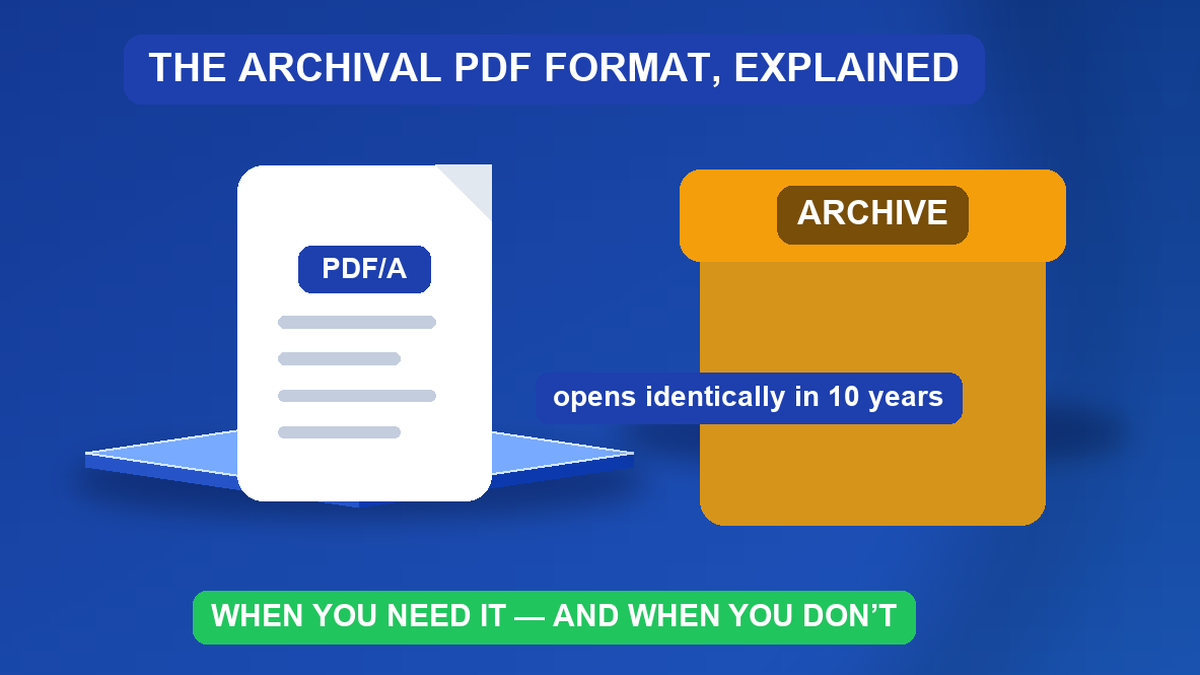
A normal PDF is a bet that today's software will keep rendering it. PDF/A is the ISO-standardised version of that bet written for fifty years: an archival profile that forbids everything a future reader might not have.
The rules that define PDF/A
- Everything embedded. Fonts must be fully embedded — no references to system fonts a future machine may lack.
- No encryption. An archive that needs a password to be read is an archive that can be lost; PDF/A forbids encryption outright.
- Device-independent colour. Colours are declared against an output intent, not tied to a screen's profile.
- XMP metadata. The document describes itself in a machine-readable standard.
- No external dependencies. No linked files, no multimedia in the base conformance levels.
The variants, briefly
PDF/A-1 (2005) is the strictest and oldest. PDF/A-2 adds JPEG 2000 compression, transparency and better Unicode mapping. PDF/A-3 permits any embedded file — useful for engineering workflows, risky for archives. For most purposes, PDF/A-2b is the pragmatic target.
When you actually need it
Legal and regulatory archives, theses and dissertations submitted to repositories, government filings, and any "keep this for decades" document. If the receiver names PDF/A, that requirement is contractual — ordinary PDFs will be rejected.
How to convert — and the honest trade
Conversion enforces the rules: PDF to PDF/A validates fonts, colour and structure, and where a rule cannot be satisfied by transformation, the page is rasterised so the output is genuinely conformant — the visual content is preserved exactly, at the cost of a text layer. That trade is deliberate: a non-conforming "PDF/A" is worthless in an audit.
PDF/A in one minute
PDF/A exists to answer one question: will this file open identically in ten years? It achieves that by banning everything that ages badly. External font references are forbidden — fonts must be embedded. Encryption is forbidden — an archive you cannot open because of a password defeats its own purpose. JavaScript, video, and links to outside content are constrained, because each is a dependency that may not resolve later. Even the color space is pinned down so the print matches the screen.
The practical test: if a document must survive beyond the software that made it — court filings, medical records, dissertations, compliance archives — it belongs in PDF/A. PDF to PDF/A converts a normal PDF into a conformant archival file in your browser, and the tool is honest about what changes: the visual content stays, while anything that ages badly is replaced with the self-contained equivalent.
ISO 19005 Conformance Levels Compared: Parts 1, 2, 3 and Levels B, U, A
"Save as PDF/A" is not a single format—ISO 19005 defines a family of archival standards split across standard parts (1, 2, 3, 4, reflecting the underlying PDF specification generation) and conformance levels (b, u, a, reflecting how much semantic and Unicode structure the file guarantees). Picking the wrong profile explains why university thesis portals or e-court gateways occasionally reject an otherwise clean archival file:
- Part 1 (
PDF/A-1, ISO 19005-1): Built on PDF 1.4. Because PDF 1.4 predated standardised alpha compositing rules and compressed object streams,PDF/A-1forbids live transparency (SMasksoft masks and blend modes must be flattened), forbidsJPXDecode(JPEG 2000), and forbids/ObjStmobject compression. - Part 2 (
PDF/A-2, ISO 19005-2): Built on ISO 32000-1 (PDF 1.7). Permits live alpha transparency layers,JPXDecodecompression, compressed object streams (producing noticeably smaller files), PAdES digital signatures, and embedding other PDF/A files—makingPDF/A-2bthe modern sweet spot for courts, theses, and government archives. - Part 3 (
PDF/A-3, ISO 19005-3): Identical toPDF/A-2with one crucial exception: it allows embedding arbitrary non-PDF attachments (such as machine-readable XML e-invoices under ZUGFeRD / Factur-X or raw CSV source data). Pure preservation repositories often rejectPDF/A-3precisely because they cannot guarantee a proprietary attachment will open in thirty years. - Levels
b,u, anda: Levelb(basic) guarantees exact visual reproduction. Levelu(unicode, introduced inPDF/A-2) adds mandatory/ToUnicodeCMap mappings so every visible glyph extracts reliably as Unicode text. Levela(accessible) requires full tagged logical structure (/StructTreeRoot, reading order, language tags, and alt text), which must originate from the authoring tool (Word, InDesign, or tagged LaTeX) rather than a post-hoc PDF converter.
| Profile | Base PDF Spec | Live Transparency | Text & Structure Requirement | Attachments Allowed | Typical Mandate |
|---|---|---|---|---|---|
PDF/A-1b | PDF 1.4 | Forbidden (must flatten) | Visual fidelity only | None | Legacy court & municipal filing systems |
PDF/A-1a | PDF 1.4 | Forbidden | Full /StructTreeRoot tagging + Unicode | None | Accessibility-mandated legacy government archives |
PDF/A-2b | PDF 1.7 (ISO 32000-1) | Permitted | Visual fidelity (OutputIntent + embedded fonts) | Only other PDF/A files | Default recommendation for theses, deeds & compliance |
PDF/A-2u | PDF 1.7 (ISO 32000-1) | Permitted | Visual fidelity + complete /ToUnicode maps | Only other PDF/A files | Searchable digital libraries & institutional repositories |
PDF/A-3b | PDF 1.7 (ISO 32000-1) | Permitted | Visual fidelity | Any file format (XML, CSV, XLSX) | Hybrid electronic invoicing (Factur-X / ZUGFeRD) |
What Strict Archival Validators (veraPDF) Actually Check Inside the File
Passing an automated preflight check in an archival validator such as veraPDF or Adobe Preflight requires five exact structural guarantees inside the PDF object graph—and understanding what happens in PDF to PDF/A helps you prepare files that pass audit gates cleanly:
- Embedded ICC
/OutputIntentsprofile: UncalibratedDeviceRGBcolours look slightly different across monitors and printers. PDF to PDF/A constructs and embeds a binary D50-adaptedsRGB IEC61966-2.1ICC colour profile inside the catalog's/OutputIntentsarray so every colour value has an unambiguous colorimetric definition. - Synchronised XMP
pdfaidmetadata stream: Validators inspect an uncompressed XMP XML packet attached to/Metadataon the document catalog declaring<pdfaid:part>2</pdfaid:part>and<pdfaid:conformance>B</pdfaid:conformance>, synchronised with document modification dates. - Permanent two-part Trailer
/IDarray: Archival files must carry a deterministic/IDbyte-string pair in the trailer dictionary so document management systems can track integrity across storage migrations. - Zero encryption or executable actions: Any
/Encryptdictionary is an automaticPDF/Arejection—if your file is password-protected or carries owner permission flags, strip them first using Unlock PDF (server-side over HTTPS). Dynamic/JavaScriptname trees,/Launchactions, and external stream dependencies are likewise stripped, and interactive form widgets are best locked beforehand with Flatten PDF. - Complete font program embedding (
FontFile/FontFile2/FontFile3): Every single referenced font—including compositeType0descendant CID fonts and classic "Standard 14" faces like Helvetica or Times—must have its actual glyph outlines embedded inside itsFontDescriptor. In-browser PDF to PDF/A adds the ICCOutputIntent, XMPpdfaidschema, permanent/ID, and action cleanup directly on your device, and explicitly audits every font descriptor: if your source PDF already embeds all its fonts (as modern Word, LaTeX, and Word to PDF exports do), the output is ready for strict validators; if an older PDF merely references an unembedded system font without carrying its outlines, the tool names the exact offending font honestly rather than faking compliance or outputting blank pages.
Frequently asked questions
What is the difference between PDF and PDF/A?
PDF/A is PDF restricted for archiving: embedded fonts, no encryption, declared colour, XMP metadata — everything a reader fifty years from now needs, with nothing it might not have.
Which PDF/A version should I use?
PDF/A-2b for most archival submissions. PDF/A-3 only when the workflow explicitly requires embedded attachments.
Can I convert a normal PDF to PDF/A for free?
Yes — PDF to PDF/A converts in the browser, with full conformance handling built in.