The Real Cost of "Free" PDF Tools: Limits, Watermarks and Privacy
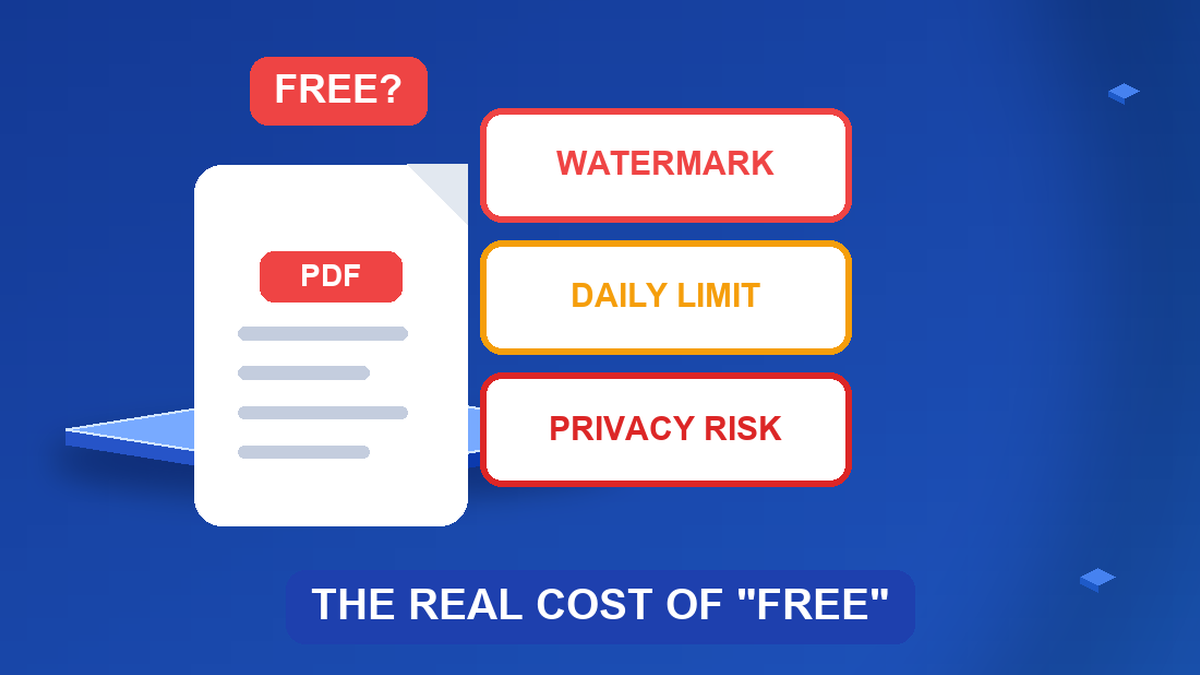
"Free" is the most complicated word in the PDF-tools industry. The homepage says free; the experience says otherwise — a cap after two tasks, a watermark on the output, an upload of a contract to a stranger's server. Here is how to price a free tool honestly, in four questions.
1. How many tasks can you actually do?
Many suites count your tasks per day and stop at two or three. The limit exists to pitch the subscription, which is fair business — but it means the free tier is a demo, not a tool. A suite with no daily cap (like PDF Tura) is free in the sense that matters: it keeps working when you need it.
2. Where does the file go?
This is the privacy question, and it has two answers in the wild:
- Upload model: the file travels to the operator's servers, is processed there, and (hopefully) deleted. Every cloud suite works this way.
- Browser model: the file is opened, transformed and saved inside your own tab — it never leaves the device. PDF Tura runs most tools this way, which is why you can load a page, disconnect from the internet, and keep working.
For a restaurant menu, either is fine. For a contract, a medical report or an ID scan, the difference is the whole decision.
3. Does the output carry a watermark?
A watermark is an advertisement inside your document — it makes the output unpresentable. Reputable free tools do not watermark; some do. Check with a one-page test file before committing a real document.
4. What happens when you exceed the limits?
Read the pricing page, not the homepage. Some suites degrade gracefully; others lock the download behind a subscription at the worst possible moment. A tool with no paid tier cannot play that trick: PDF Tura has no subscription to sell you at the deadline.
The questions that expose hidden costs
Three questions cut through the marketing of any "free" PDF site. What appears on the output? A watermark on a signed contract or a client invoice is the cost — it marks your work as someone else’s free tier. What stops after the first few tasks? Daily caps of two or three jobs mean the tool is free until the day you actually need it. Where does the file go? A tool that uploads a signed agreement or a medical letter to an unknown server has taken something you cannot get back.
Privacy-first tools answer all three before you ask: no watermark, no cap, no upload. That is the standard we built PDF Tools against — the grid of tools on this site runs in your browser wherever the job allows it — and it is why Merge PDF and Compress PDF never see a server unless a job genuinely requires one.
A 6-point checklist before you pick a PDF suite
Score any suite — including ours — against these six, and ask each one directly:
- Does the free tier cap daily tasks? Get the number and what happens at the cap.
- Where is the file processed? Upload model or browser model — the biggest difference.
- Is the output watermarked? Test with a throwaway file before trusting a real one.
- Do connected scripts work with it? Feed a real Bengali sentence and look for dotted circles.
- What does exceeding the limits cost? Some suites charge when you hit the cap.
- Is it honest about limits? A tool that says "this format will shift a little" beats one that promises perfection.
A suite that answers all six honestly is rare. Test it with a throwaway file — Merge PDF, Compress PDF and Protect PDF all run without an account, so the test costs nothing.
Client-Side WebAssembly vs Cloud Upload Pipelines: When a Server Is Actually Needed
Not every online PDF operation has the same technical requirements, and understanding why certain tools run locally while others call a server lets you evaluate any provider's architecture in seconds rather than trusting marketing banners. Modern browsers ship fast JavaScript engines, typed ArrayBuffer memory, HTML5 Canvas, and WebAssembly (WASM). That stack is powerful enough to parse PDF object trees, merge and split page graphs, re-encode embedded DCTDecode images, render vector text edits, and even execute neural LSTM optical character recognition (Tesseract.js) completely inside your browser tab.
Only two narrow categories genuinely require server-side execution:
- Cryptographic stream handlers and binary structural recovery: Standard PDF open-password encryption (
AES-128/AES-256), decryption of locked streams, and deep cross-reference reconstruction on truncated byte streams rely on battle-tested native C/C++ engines (qpdfand Ghostscript). On PDF Tura, Protect PDF, Unlock PDF, and Repair PDF transmit your file over HTTPS, process it immediately, and auto-delete temporary server files within one hour. - Large language model and vision inference: Multi-billion-parameter AI models cannot download into an ordinary browser tab. Tools such as AI Text Summarizer, Chat with PDF, and the default Smart OCR mode of Image to Text send submitted text or downscaled images over HTTPS to external AI providers—and for confidential scans, Image to Text includes a one-click Browser (Private) mode that switches execution back to 100% offline WASM on your device.
You never have to take a website's privacy claim on faith: press F12 to open your browser's Developer Tools, click the Network tab, filter by Fetch/XHR, and drop a test PDF into Merge PDF, Compress PDF, or Redact PDF. Zero file-upload requests fire—because the bytes never leave local RAM.
Compliance Risk Matrix: Matching Document Sensitivity to Execution Mode
For teams handling NDAs, tax filings, patient letters, or identity documents, matching document sensitivity to the right execution model eliminates inadvertent third-party disclosures without paying per-seat software licensing fees:
| Tool Group on PDF Tura | Execution Location | Network Transfer | Recommended Document Scope |
|---|---|---|---|
| Page, visual & redaction tools (Merge PDF, Compress PDF, Edit PDF, Redact PDF, Sign PDF) | 100% Browser RAM | None — works offline after page load | Unrestricted, including strictly confidential contracts, IDs, payroll, and legal exhibits. |
| Scanned PDF recognition (OCR PDF) | 100% Browser WASM | None for your PDF bytes | Safe for sensitive scanned archives, tax records, and medical statements. |
| Single-image OCR (Image to Text) | Dual-mode (AI default / Browser toggle) | HTTPS in AI mode; None in Browser (Private) mode | Use AI mode for public receipts, posters, and tables; switch to Browser (Private) for confidential scans. |
| Security & structural recovery (Protect PDF, Unlock PDF, Repair PDF) | PDF Tura Server (qpdf / gs) | Encrypted HTTPS; auto-deleted within 1 hour | Password locking, unlocking files you own, and salvaging corrupted downloads. |
| AI writing & analysis (AI Text Summarizer, Chat with PDF, AI Translator) | External AI Provider via HTTPS | Submitted text sent over HTTPS; not stored on PDF Tura | Public reports, study notes, or documents pre-sanitized locally with Redact PDF. |
Frequently asked questions
Are free PDF tools really free?
Some genuinely are. The tell-tale signs of a demo-in-disguise: daily task caps, size limits, watermarks and a pricing page one click from the tool.
What is the safest free PDF tool for private documents?
One that processes files in your browser. If the file never leaves your device, there is nothing to leak — PDF Tura's merge, split, compress, edit and sign tools all work this way.
Do free PDF converters add watermarks?
Some do. Test with a throwaway file first; a tool that watermarks a one-page test will watermark your contract.