PDF vs DOCX: What Each Format Actually Stores — and When to Convert
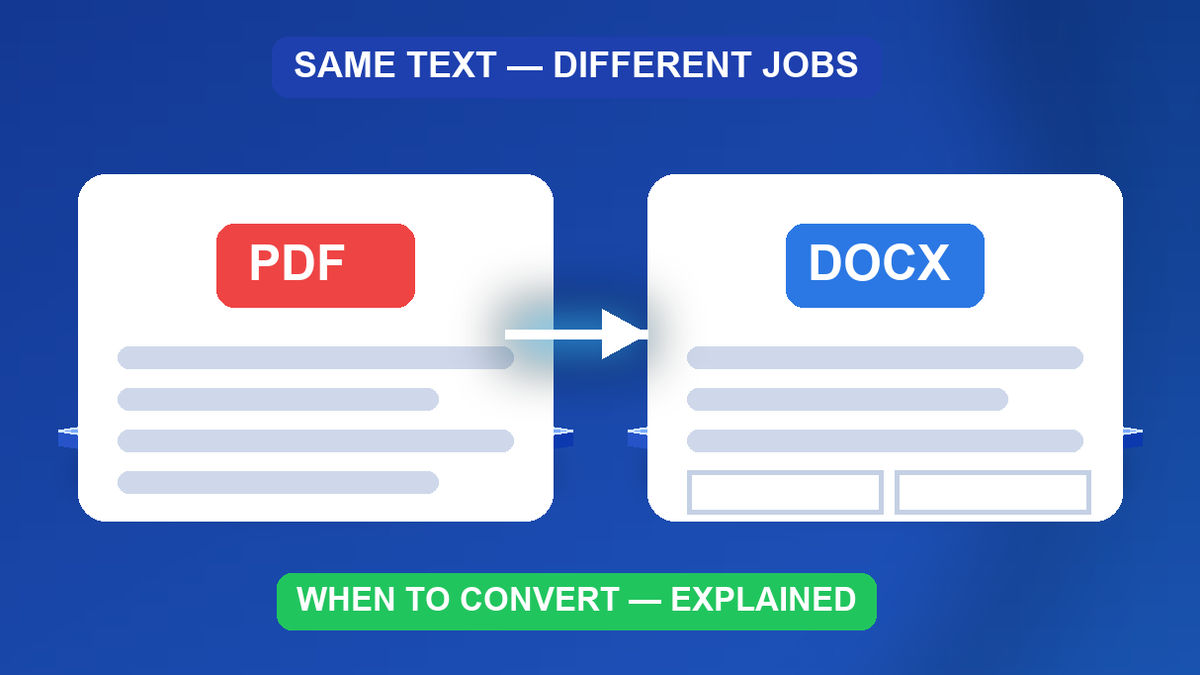
PDF and DOCX describe the same document in two completely different languages. Understanding the difference explains everything: why a PDF looks identical everywhere, why a DOCX reflows, why conversion is easy in one direction and approximate in the other.
PDF: a print instruction set
A PDF does not know what a "paragraph" is. It stores a page — a canvas of a fixed size — and a content stream of instructions: draw this glyph at these coordinates in this embedded font, draw this image at that rectangle. Fonts are embedded (subsetted) so the file shows the same shapes on every machine. The result is the PDF’s superpower: pixel-stable documents that print identically everywhere, forever.
The cost of that stability: the text has no flow. Change a sentence and the following lines do not move; there are no "following lines", only coordinates. This is why editing a PDF is reconstruction, not adjustment.
DOCX: a semantic document
A DOCX stores meaning: paragraphs with styles, headings in an outline, tables as grids, fonts referenced by name rather than embedded. The layout is computed when the document opens — which is why the same file paginates slightly differently in Word, Google Docs and LibreOffice, and why that is acceptable: the model is "what it says", not "where the ink sits".
The survival table
| Element | What usually happens |
|---|---|
| Headings and paragraphs | Survive — the converter re-groups lines into flowing text |
| Bold, italic, lists | Survive on clean digital PDFs |
| Simple tables | Mostly survive; complex column spans need tidy-up |
| Multi-column layouts | Text converts; the visual flow needs manual repair |
| Scanned pages | Nothing to convert — run OCR first |
| Drawings, complex diagrams | Partial at best; vector art rarely maps to Word shapes |
What the conversion directions really mean
PDF → DOCX (reconstruction)
The converter reads the print instructions and guesses the semantics: which glyphs form a line, which lines form a paragraph, what is a heading, where a table boundary is. A clean digital PDF converts well because the instructions are precise. A scanned PDF has no instructions at all — just page photographs — so OCR must invent the text layer first. This is why PDF to Word results depend on the source, and why OCR PDF exists as a separate step.
DOCX → PDF (rendering)
The converter computes the layout once and writes it down permanently. This direction is deterministic: Word to PDF gives the document fixed coordinates, embeds the fonts, and everyone downstream sees exactly what the author saw. That is why "send as PDF" became the convention for CVs, contracts and invoices — it removes the receiver’s fonts, software and settings from the equation.
When to stay in which format
| Situation | Keep as |
|---|---|
| Contract, invoice, certificate — must look identical everywhere | |
| Document others will edit, comment on, track changes in | DOCX |
| Archival copy for the future | PDF (ideally PDF/A — see PDF to PDF/A) |
| A form people fill on a computer | PDF with form fields — see Fill & Sign PDF |
| A draft that is still being written | DOCX |
The practical workflow professionals use
- Write and collaborate in DOCX — semantic editing is what Word is for.
- Convert to PDF to circulate — the fixed-coordinates copy is what you send.
- When a PDF comes back needing edits, reconstruct it with PDF to Word, edit in Word, and re-export.
- For scans, add the OCR step before conversion, or you will convert photographs into photographs.
Under the hood: Open Packaging Conventions (ZIP+XML) vs PDF cross-reference trees
If you rename any .docx file to .zip and extract it, you see exactly why Word documents behave dynamically. Defined by ECMA-376 / ISO 29500 (Open Packaging Conventions), a DOCX archive holds structured XML files — word/document.xml for paragraphs and runs, word/styles.xml for heading definitions, word/numbering.xml for nested lists, and a word/media/ folder containing original PNG or JPEG images untouched. Crucially, DOCX typically references typefaces by family name (Calibri, Inter, Noto Sans Bengali) rather than embedding glyph outlines inside the archive, and stores zero page-break coordinates for natural line wraps. Every time a .docx opens, the host application queries the operating system's installed fonts, measures line widths on the fly, and calculates where page 1 ends and page 2 begins.
A PDF binary (%PDF-1.7) takes the opposite engineering contract. At the end of the file sits a byte-offset xref table and trailer dictionary allowing random access to any page immediately — a viewer can jump straight to page 350 without parsing pages 1 through 349. Every page defines an explicit coordinate grid in typographic points (1/72 inch), embeds subsetted font programs directly inside object streams, and records exact glyph positions. When multi-decade legal, thesis, or regulatory archiving matters, converting a standard PDF to ISO 19005 via PDF to PDF/A goes one step stricter: forbidding external font references, audio/video attachments, and encryption so the file renders identically thirty years later without external dependencies.
Handoff troubleshooting: fixing pagination drift, version diffs, and data extraction
Most document headaches happen at the handoff boundary when a team chooses DOCX where fixed geometry was required, or chooses PDF where structured tabular or semantic data was needed.
| Handoff failure | Root architectural cause | Prevention or fix |
|---|---|---|
Tight 1-page .docx resume spills 3 lines onto page 2 on recruiter's PC | Missing font substitution or OS printer-metric differences changed line height | Always circulate final resumes and proposals via Word to PDF |
| Legal reviewer needs to spot subtle wording edits between two PDF drafts | PDF lacks Word's semantic Track Changes XML markup | Open both revisions side by side in Compare PDF |
| Wide 9-column financial table inside a PDF wraps awkwardly in Word | Word attempts to squeeze fixed point-width columns into default page margins | Extract structured rows and columns directly with PDF to Excel |
| University or court portal rejects a standard PDF for permanent filing | File references unembedded system fonts or non-archival colour profiles | Convert in-browser to self-contained archival format with PDF to PDF/A |
| Draft author names and internal company paths appear in document info | Word exports author properties into PDF /Info and XMP packets automatically | Inspect and strip hidden fields before distribution in Edit PDF Metadata |
Frequently asked questions
Which format is better, PDF or DOCX?
Neither — they solve different problems. PDF is for documents that must look identical everywhere; DOCX is for documents that are being written and edited. Most professional workflows use both.
Why does my converted document not look exactly like the PDF?
Conversion re-builds semantic structure from print instructions, and guesses can differ on columns, tables and exotic fonts. Clean digital PDFs convert nearly perfectly; scans need OCR first.
Can I edit a PDF directly instead of converting?
Yes — Edit PDF edits the text on the page in your browser without converting at all, which is faster for small corrections.
Does converting DOCX to PDF embed the fonts?
A good converter embeds the fonts so the PDF renders identically everywhere — that is the entire point of the format.