OCR Explained: How a Photograph Becomes Editable Text (and How to Get the Best Accuracy)
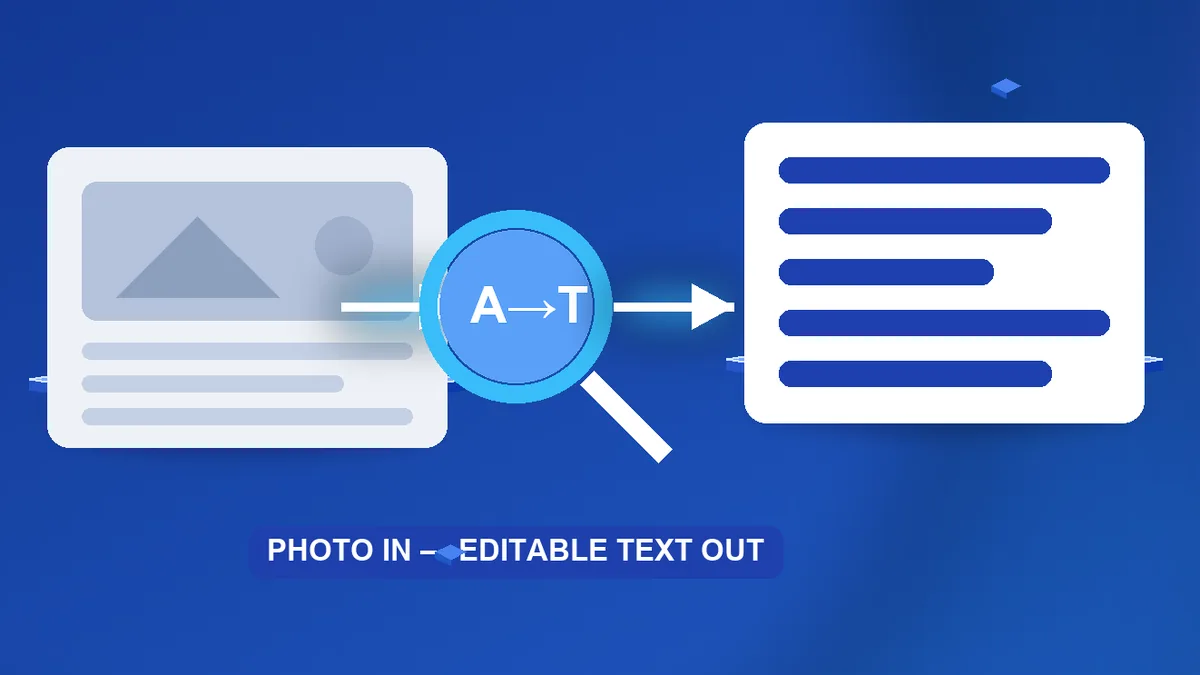
A scanned page is a photograph of ink. To a computer it contains no text at all — only darker and lighter pixels. OCR (Optical Character Recognition) is the process of inventing a text layer from those pixels, and the quality of that invention decides whether you get a 99% accurate document or a word salad. Here is what actually happens at each stage, and how to feed it.
Stage 1 — Binarization: ink versus paper
The scanner output is toned down to black-and-white decisions per pixel. Clean 300 DPI scans binarize almost perfectly; phone photographs struggle with shadows, glare and curved pages. This is why the single biggest OCR accuracy factor is not the engine — it is the scan.
Stage 2 — Segmentation: lines, words, glyphs
The engine finds text blocks, separates columns, splits lines into words and words into candidate glyphs. Complex layouts hurt here: tables, sidebars and stamps confuse block detection. Bengali adds its own difficulty — connected script where letters change shape by context — which is why language selection matters so much (a Bengali scan recognized with an English model produces garbage; OCR PDF supports both).
Stage 3 — Recognition: the classifier
Each glyph candidate is matched against letter shapes — modern engines use trained models with dictionary and language-model correction on top. The dictionary rescues ambiguous shapes ("rn" versus "m"), which is also why proper nouns and serial numbers are where errors hide: the dictionary cannot help with a name that does not exist in it.
Stage 4 — The invisible text layer
The recognized text is written into the PDF behind the original image, positioned to match — so the page still looks like the scan, but is now selectable, searchable, and convertible. That is the whole trick: OCR PDF does not redraw your page; it gives the photograph a memory.
Getting the best accuracy, practically
- 300 DPI, straight, high contrast. The scan itself decides the ceiling.
- Pick the right language. English for English; Bengali for Bengali. Mixed documents: run the dominant language.
- Clean input beats clever settings. Re-scan a bad page rather than fighting it.
- Proofread the dangerous spots. Names, numbers, dates — the dictionary’s blind spots.
What OCR cannot do
It cannot recover what the pixels lost: a page photographed at an angle, text cut off at the margin, handwriting the model has never seen, or a scan so light that binarization erases it. And it does not understand meaning — it recognizes shapes. The output is text, not comprehension.
Why pixel geometry, cap height, and script shaping make or break recognition
Modern neural OCR engines (such as the LSTM line recognisers used in Tesseract) do not read letters one isolated box at a time the way 1990s template matchers did; they slide a vertical feature window across an entire text line and predict character sequences in context. That architecture explains why three physical properties of your scan dictate accuracy far more than post-processing tricks:
- Character cap height (the 25–35 pixel sweet spot). Standard 10–12 pt body text scanned at 300 DPI produces capital letters roughly 28–35 pixels tall — enough vertical resolution to distinguish closed counters (
evsc,8vsB,0vsO) without drowning the line segmentation step in paper-fibre grain. Screen-grabbed thumbnails at 72 DPI starve strokes down to 6–8 pixels, where loops collapse into grey blobs. - Page skew and baseline curvature. Even a 3-degree tilt on a flatbed scanner causes horizontal line-projection profiles to overlap adjacent lines, merging the end of line 4 into the start of line 5. Photographing an open thick book curves lines downward toward the spine, distorting glyph aspect ratios at the inner margin.
- Multi-script shaping across 70+ languages. Connected and abugida scripts require language-specific recognition models. In Bengali, a continuous horizontal headline (matra) links characters across an entire word while vowel diacritics sit above, below, before, and after consonant clusters. Both OCR PDF (which runs 100% locally inside your browser tab) and Image to Text (which offers both Smart AI OCR for stylized layouts and an offline Browser Private mode) support 70+ languages including English, Bengali, and mixed English+Bengali documents.
Pre-OCR preparation matrix and downstream workflows
One crucial order-of-operations rule saves countless headaches: always run OCR before aggressive PDF compression, never after. Heavy JPEG downsampling blurs sharp glyph edges and introduces block artifacts around thin strokes, cutting recognition accuracy unnecessarily. Clean orientation and borders first, recognise the text layer, and compress last.
| Input problem | Effect on OCR output | Fix before or after OCR |
|---|---|---|
| Pages scanned sideways (90°) or upside-down (180°) | Classifier fails completely because glyph orientation does not match model baselines | Fix orientation losslessly in Rotate PDF before running OCR PDF |
| Thick black margins from an open scanner lid | Binarization misjudges exposure and invents stray punctuation along page edges | Trim dark borders in Crop PDF before running OCR |
| Bilingual English and Bengali notice or bank statement | Single-language English model turns Bengali words into random Latin symbols | Select Bengali or mixed English+Bengali in OCR PDF or Image to Text |
| Need to rewrite paragraphs from a scanned contract in Word | Raw scan converts to an empty or uneditable .docx because no text layer exists | Run OCR PDF first, download the searchable PDF, then run PDF to Word |
| Single receipt photo or screenshot needing quick plain text | Building a searchable PDF is an extra step when you only need clipboard text | Drop the image straight into Image to Text (use Browser Private mode for sensitive data) |
| Searchable scanned PDF is 28 MB and too big to email | High-DPI page photographs remain behind the newly created invisible text layer | Run Compress PDF at Recommended after OCR — the text layer stays 100% intact |
Frequently asked questions
What is OCR in simple terms?
Technology that reads the letters in a photograph or scan and writes them into an invisible text layer, making the document searchable and editable.
How accurate is OCR?
On clean 300 DPI digital-quality scans, 98–99%. On phone photographs with shadows or on handwriting, accuracy falls sharply — the input, not the engine, is usually the limit.
Can OCR read Bengali?
Yes, if the tool supports the language. OCR PDF recognizes Bengali alongside English — choose the language before running.
How do I make a scanned PDF searchable?
Run it through OCR PDF; the recognized text is embedded as an invisible layer behind the scan, so the page looks identical but is now searchable and copyable.