Edit PDF Text Like a Pro: Fonts, Sizes, Colours and the Rules of an Invisible Edit
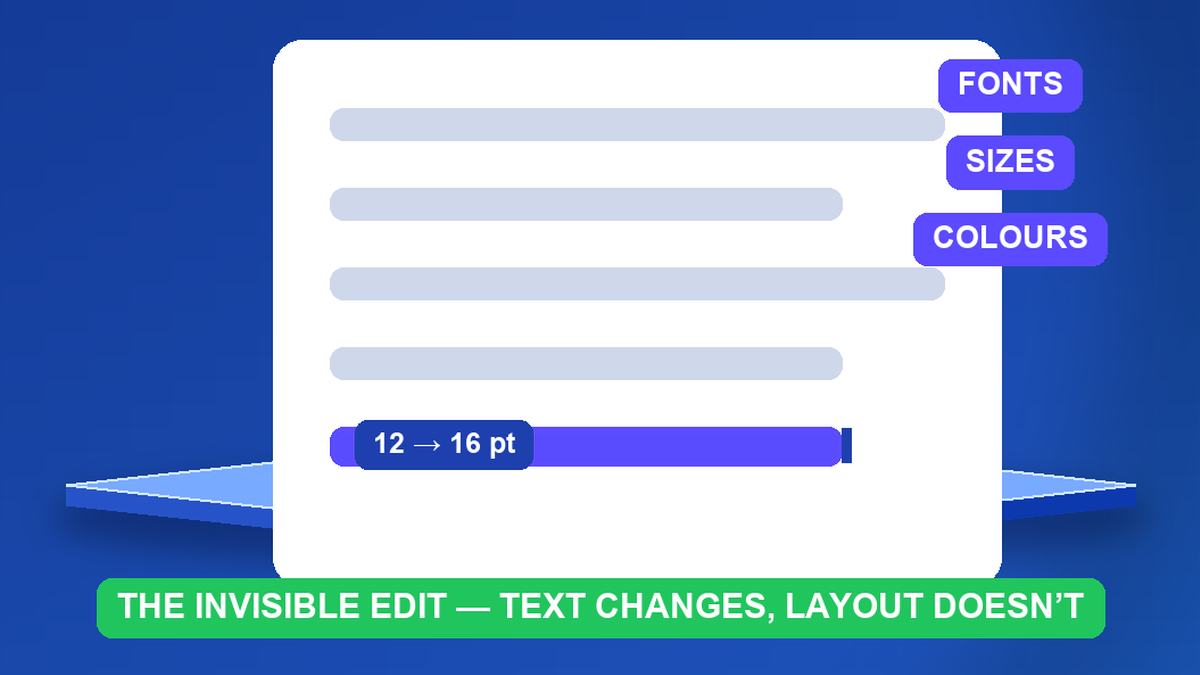
Anyone can type on a PDF. The craft is making the edit invisible — a corrected date that no reader can spot, a replaced name that looks born in the document. Six rules separate a professional edit from an obvious patch.
The six rules
- Match the font family first. Mixed faces are the loudest tell. Edit PDF lets you pick from nineteen embedded faces; compare letterforms closely — Helvetica against Arial is a dead giveaway at print size.
- Calibrate the size by cap heights, not line boxes. Two sizes can share a line box while their capital letters differ. Zoom to 200% and compare the capitals of neighbouring words.
- Sample the ink colour from the glyph core. Text edges anti-alias into the background, so the outer pixels lie. The darkest core pixels tell the truth.
- Keep the line length. A re-typed line that overruns its panel or wraps one word early announces itself. If the replacement text is longer, adjust size slightly rather than letting it spill.
- White-out is a last resort. It prints as a grey box over the page texture. Prefer covering with a sampled background colour, or edit the line directly when the text layer allows.
- Flatten before sending (Flatten PDF) so the edit becomes page content that no tool can peel apart.
The one thing an in-place edit cannot fix
A PDF's text is fixed-position: retype a longer word and the rest of the line does not politely reflow. Long replacements need neighbouring text edited too, or a size adjustment. This is the structural difference from Word, and no tool can override it — it is the format.
When the text layer is missing
A scanned page has no characters under the ink. Edit PDF can still cover, replace or annotate it visually, but for true text editing run OCR PDF first to build the layer.
Embedded Font Subsets, Missing Glyphs, and Encoding Traps
The biggest surprise waiting inside most corporate and academic PDFs is that the file rarely contains the entire font it displays on screen. When Word, InDesign, Figma, or LaTeX exports a document set in a typeface like Inter or Garamond, the exporter embeds a font subset—often visible in document properties with a six-letter prefix such as BCDEFG+Inter-Regular—containing strictly the exact glyph outlines used on those pages and nothing else.
If an invoice originally carried the digits "2025" and no "6" appeared anywhere in that weight across the document, the glyph program for "6" literally does not exist inside that embedded font stream. Even more tricky, composite (Type0 CID) subsets often map character codes sequentially by order of first appearance (0x0001, 0x0002, 0x0003) rather than standard ASCII or WinAnsiEncoding, using a /ToUnicode table only for copy-paste lookup. That is why raw hex-editing a PDF stream turns words into scrambled symbols, and why reliable browser editing substitutes clean, fully populated vector typefaces calibrated to match surrounding proportions.
Equally important is how replacement text is saved back into the file. Basic web editors paint your typed words onto an HTML <canvas> and stamp a screen-resolution PNG over the page—making edited digits look fuzzy at 200% zoom and turning them unselectable. Edit PDF uses a live object model instead: every text box stays movable, editable, and restylable on screen, and on save writes real vector PDF text operations (drawText or shaped vector glyph paths with a synchronised hidden selectable layer) so your edit stays razor-sharp at any magnification and prints identically to neighbouring native lines.
Baseline Geometry, Optical Kerning, and Background Patching Without Artifacts
Two coordinate systems collide whenever you replace a word inside an existing line. Web browsers position text boxes from the top-left corner of the CSS line box, whereas PDF content streams anchor text along the alphabetic baseline—the invisible shelf that letters like x, n, and H sit on while descenders (g, j, p, q, y) drop below it. If an editor guesses baseline drop inaccurately by even 1.5 points, the replacement word visibly floats high or sags low next to the original sentence.
When disguising an in-place correction on an invoice date, price, or typo, run through this forensic troubleshooting table before exporting:
| Visual Tell of an Amateur Edit | Root PDF Engineering Cause | Exact Fix in Edit PDF |
|---|---|---|
| Replacement word looks blurry or jagged when zoomed | Editor rasterised the overlay as a low-DPI bitmap image over a vector page. | Use Edit PDF, which writes genuine vector fonts and paths rather than canvas screenshots. |
| Bright white rectangle glows behind corrected text on printouts | Pure #FFFFFF cover box placed over off-white scan paper (#F7F6F2 or #EFECE6). | Sample the exact surrounding paper tone away from text edges before covering the old characters. |
| Ink looks slightly darker or heavier than neighbouring words | Sampled #000000 pure black when surrounding body copy uses #1F2328 or 90% grey ink. | Zoom in and sample pixels from the very centre of a thick vertical stem (H, I, l) on the same line. |
| Capitals align, but lowercase letters look too tall or cramped | Font x-height mismatch (e.g., substituting Verdana or Arial on a Helvetica or Calibri line). | Switch between sans, serif, and monospace families in Edit PDF and compare lowercase a, g, and e counters at 200% zoom. |
| Edited clause wraps onto a second line or collides with right text | PDF lines have fixed (x, y) origins and never reflow downstream paragraphs automatically. | Replace the entire full line so word spacing stays uniform, or convert heavy multi-paragraph rewrites via PDF to Word → Word to PDF. |
| Recipient clicks the corrected figure and drags the patch aside | Edit was left as an unflattened interactive layer or separate overlay object. | Pass the finished document through Flatten PDF when locking visual overlays permanently for external delivery. |
For multi-sentence edits where whole paragraphs must expand or contract across pages, resist forcing fixed-layout patches: extract into PDF to Word, edit with natural paragraph reflow, and re-export cleanly through Word to PDF.
Frequently asked questions
How do I edit PDF text and make it look original?
Match four properties to the surrounding line: font family, size (by cap height), ink colour (sampled from the glyph core) and line length. Edit PDF gives you all four controls in one toolbar.
What is the best free PDF text editor?
One that runs in your browser, needs no account, and leaves no watermark — Edit PDF is exactly that, with nineteen fonts and live colour sampling.
Can people tell that a PDF was edited?
Not if the edit follows the rules above. Mixed fonts, mismatched sizes and overflowing lines are the three tells that expose an edit.