Bengali in PDFs: Why Most Tools Fail and How We Fixed It
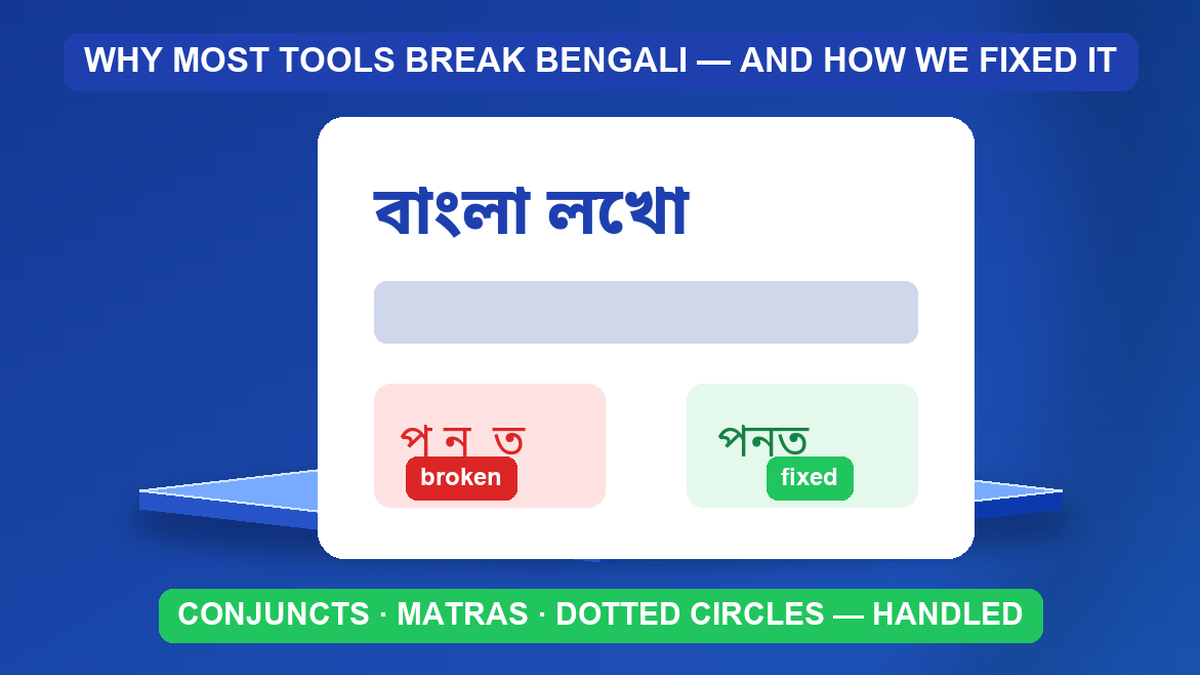
Ask any Bengali speaker what happens when they convert a document with most online PDF tools and watch their face: scattered vowel signs, half-formed conjuncts, dotted circles where letters should be. The failure is not neglect — it is a technical wall, and most suites never climbed it. Here is what the wall is made of, and how PDF Tura went over it.
Why Bengali breaks: no shaping engine
Bengali is a connected script. What appears on screen is not a sequence of independent characters but glyphs selected by context: conjuncts fuse several letters into one shape, vowel signs reorder (an i-matra is drawn before the consonant it follows), and duplicates transform by their neighbours. A tool that renders each unicode point as its own glyph — the default everywhere — produces the dotted circle and the scattered matras.
Correct output requires a shaping engine implementing GSUB/GPOS rules for Bengali. Browsers have one (which is why the text looks right on a web page); most PDF-writing libraries do not.
What PDF Tura does differently
- Shaped glyph outlines. Bengali text is shaped through the font's own rules and embedded as vector outlines — the conjuncts form, the matras sit where the script puts them.
- An invisible selectable layer. The shaped text carries a hidden counterpart, so the Bengali is selectable and searchable even though the visible forms are vectors.
- Bengali OCR. A scanned Bengali page is recognised with a Bengali model (OCR PDF) and becomes searchable text.
- Bengali QR codes. UTF-8 encoding means a QR code can carry Bengali text without shredding it (QR Code Generator).
- Bengali editing. Editing Bengali text inside a PDF keeps the script intact through the save (Edit PDF).
The wider lesson
"Supports your language" is a claim most suites cannot back for any connected script — Bengali, Hindi, Arabic, Thai all demand shaping. Test with a real sentence, not the tool's demo screenshot: if the conjuncts hold and the matras sit, the tool climbed the wall.
Why we built the fix ourselves
The failure has a precise cause: most tools write Bengali characters one by one, so conjuncts (যুক্তাক্ষর যেমন ক্ষ, জ্ঞ, ত্র) fall apart and matras drift into dotted circles. PDF Tura fixed it at the file-writing level — Text to PDF and Word to PDF shape Bengali through the full engine, and OCR PDF recognizes Bengali from scans with the same care.
Inside the OpenType Indic Shaping Pipeline: Code Points, Reordering, and GSUB/GPOS Tables
To understand why most online PDF generators shatter Bengali text into detached vowel loops and dotted circles (U+25CC), trace what happens between a UTF-8 string in memory and a glyph drawn on a PDF page. In Latin scripts, Unicode code points and visual glyphs map almost one-to-one from left to right: "c", "a", "t" draw in the exact order they are stored. In the Bengali Unicode block (U+0980–U+09FF), logical storage order and visual glyph order are deliberately different, and rendering requires a multi-stage OpenType Indic shaping engine (bng2 / beng script tags):
- Syllable segmentation and pre-base vowel reordering: In Unicode, every dependent vowel sign (matra) is stored after the consonant cluster it modifies. Yet visually, the short i-matra (
U+09BF) and e-matra (U+09C7) must be drawn to the left (before) the entire consonant cluster, while two-part circumgraphs—o-matra (U+09CB) and au-matra (U+09CC)—split into two separate glyphs flanking both sides of the base cluster! A PDF library without Indic syllable reordering draws the consonant first and then tries to emitU+09BFto its right with no host consonant, causing the font renderer to insert aU+25CCdotted-circle placeholder. - Mandatory
GSUBconjunct and ligature lookups: The virama / hasanta character (U+09CD) joins adjacent consonants into fused conjuncts (juktakkhor). Shaping applies ordered OpenTypeGSUBfeatures:akhnfor indivisible akhand ligatures (such asU+0995 + U+09CD + U+09B7),rphfto turn a leading ra (U+09B0 + U+09CD) into an above-base reph stroke at the end of the cluster,blwffor below-base ra-phala forms, andpstffor post-base ya-phala (U+09CD + U+09AF). GPOSmark-to-base anchor positioning: Below-base vowels (U+09C1u-matra,U+09C2uu-matra,U+09C3vocalic-r) and above-base nasalisation marks (U+0981candrabindu) rely on exact(dx, dy)GPOSanchor coordinates so marks attach cleanly to varying stem widths instead of colliding with descenders.- Legacy ANSI (
Bijoy/SutonnyMJ) vs UTF-8 Unicode: Older Bangladeshi government circulars and desktop-published PDFs frequently use non-Unicode 8-bit ANSI font encodings where Latin ASCII byte slots (j,v,‡,†) were repurposed to draw Bengali glyph shapes. Those files look readable on screen while the legacy.ttfis embedded, but copy-pasting or feeding them to an AI tool yields gibberish ASCII punctuation instead of Bengali text.
Dual-Layer Vector Shaping and Fixing Legacy Broken Bengali PDFs
Browser-side PDF writers face a classic trade-off with complex scripts: embedding raw Unicode text streams depends on every downstream PDF viewer interpreting Identity-H CID subsets identically, whereas converting shaped syllables purely into vector Bézier outlines (m, l, c path operators) guarantees pixel-perfect visual rendering everywhere at the risk of losing Ctrl+F searchability. PDF Tura resolves both halves simultaneously across Edit PDF, Word to PDF, and Text to PDF by drawing shaped vector glyph paths on the visible layer while writing a synchronised invisible Unicode text layer directly behind each run—so conjuncts never break on older phones or printers, yet copy-paste and search return valid UTF-8 Bengali.
| Bengali PDF Symptom | Root Technical Cause | Practical Fix on PDF Tura |
|---|---|---|
Dotted circles (U+25CC) beside i-matra or e-matra | Converter wrote Unicode code points one by one without OpenType bng2 pre-base reordering. | Re-export source text or .docx through Text to PDF or Word to PDF, which run full Indic shaping in your browser. |
| Conjuncts split apart with visible virama ticks underneath | Missing GSUB (akhn, blwf, pstf) ligature lookup tables or unembedded fallback font. | Edit or add text inside Edit PDF, which shapes connected runs into exact vector outlines. |
PDF looks fine visually, but copy-paste yields ‡Kvb, evsjv, or random symbols | Document was typeset in legacy non-Unicode ANSI (Bijoy / SutonnyMJ) encoding rather than UTF-8. | Run OCR PDF with Bengali selected to recognise the visual shapes and write a real UTF-8 Unicode text layer locally. |
| Scanned Bangla land record, notice, or book page cannot be searched | Flat raster scan containing pixels only (DCTDecode image stream, zero text objects). | Run OCR PDF in your browser for a searchable PDF, or use Image to Text (AI mode or offline Browser Private mode). |
| Translating or summarising a Bangla PDF produces garbled output | Broken /ToUnicode CMap or legacy ANSI layer fed corrupted characters into the prompt. | Rebuild clean UTF-8 text via OCR PDF → PDF to Text, then paste into AI Translator or AI Text Summarizer. |
Frequently asked questions
Why does Bengali text break in PDF converters?
Because most tools lack a Bengali shaping engine: they draw each unicode point separately, breaking conjuncts and mis-placing vowel signs — the dotted circles you see are placeholders for glyphs the tool could not form.
Can I OCR a Bengali scanned document?
Yes — OCR PDF recognises Bengali alongside English, producing a searchable, selectable document from the scan.
Can I type Bengali into a PDF and save it correctly?
Yes. Edit PDF shapes the Bengali through the script's rules and saves it as correctly formed glyphs with an invisible selectable layer behind them.